
The Weighting Charts area provides time chart functionality of Bandwidth Bonded Internet Source (WAN) link performance over selectable time periods.
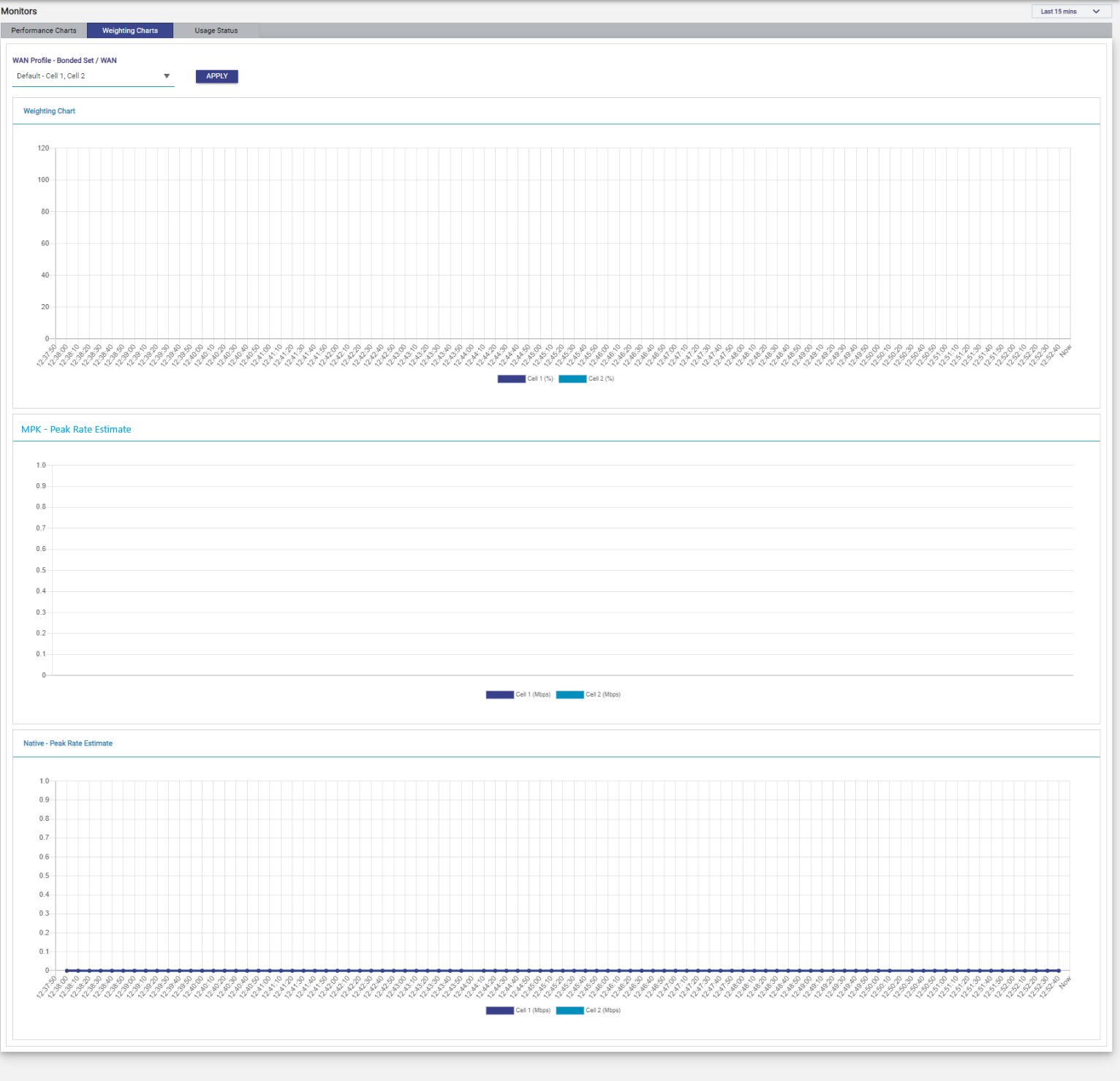
The Weighting Chart depicts the percentage of each WAN source that was used in the Bonded Set.
Native Peak Rate Estimates and MPK Peak Rate Estimates are also plotted for the selected Bonded Set’s component WAN sources, for a better look into the details of each link and the connection health.
Once the EpicOS System is audited and possibly reconfigured, user can view the weighting % of the bonded interfaces at the periodicity of 10 seconds. The Weighting Charts screen shows three charts: Weighting Chart, MPK - Peak Rate Estimate and Native - Peak Rate Estimate. If the MPK (Konnect Hub) connection is down, the MPK - Peak Rate Estimate chart has no data, and the weighting of the bonded interfaces is performed based on the Native - Peak Rate Estimate. If the MPK connection is up, the weighting of the bonded interfaces is done based on the MPK - Peak Rate Estimate.
Note: This menu item is available for administrative users only.
Viewing Weighting Charts
To view the weighting %, perform the following steps.
-
Log on to the EpicOS System. The home page appears.
-
Click the Monitors option from the side bar.
-
Click Weighting Charts tab. The Weighting Charts page appears, see figure below.
WAN Profile - Bonded Set / WAN
Bonded set for which Weighting Charts need to be viewed. To view the weighting chart, perform the following steps.
-
In the WAN Profile - Bonded Set / WAN field, select the check box of one bonded set, or of one or more WANs. Bonded sets appear in the list only when a WAN Profile with bonding is configured.
-
Click Apply button.
-
The weighting chart becomes available.
-
Neither bonded set can be selected with the single WAN(s), nor a single WAN can be selected with the bonded set.
Note: The time period of the charts is selected from the period drop-down at the top right of the Monitors screen (Last 15 mins to Last 7 days). By default, Last 15 mins is selected.