
The EpicOS system is conveniently accessible for valid account holders who hold the appropriate site permissions by logging in to the device through the interactive web portal.
There are three options for accessing EpicOS on an Edge system: Local Access from a Local Area Networks (LAN), remotely using the standalone Konnect client application, and through the EpicLink using the integrated Konnect functionality.
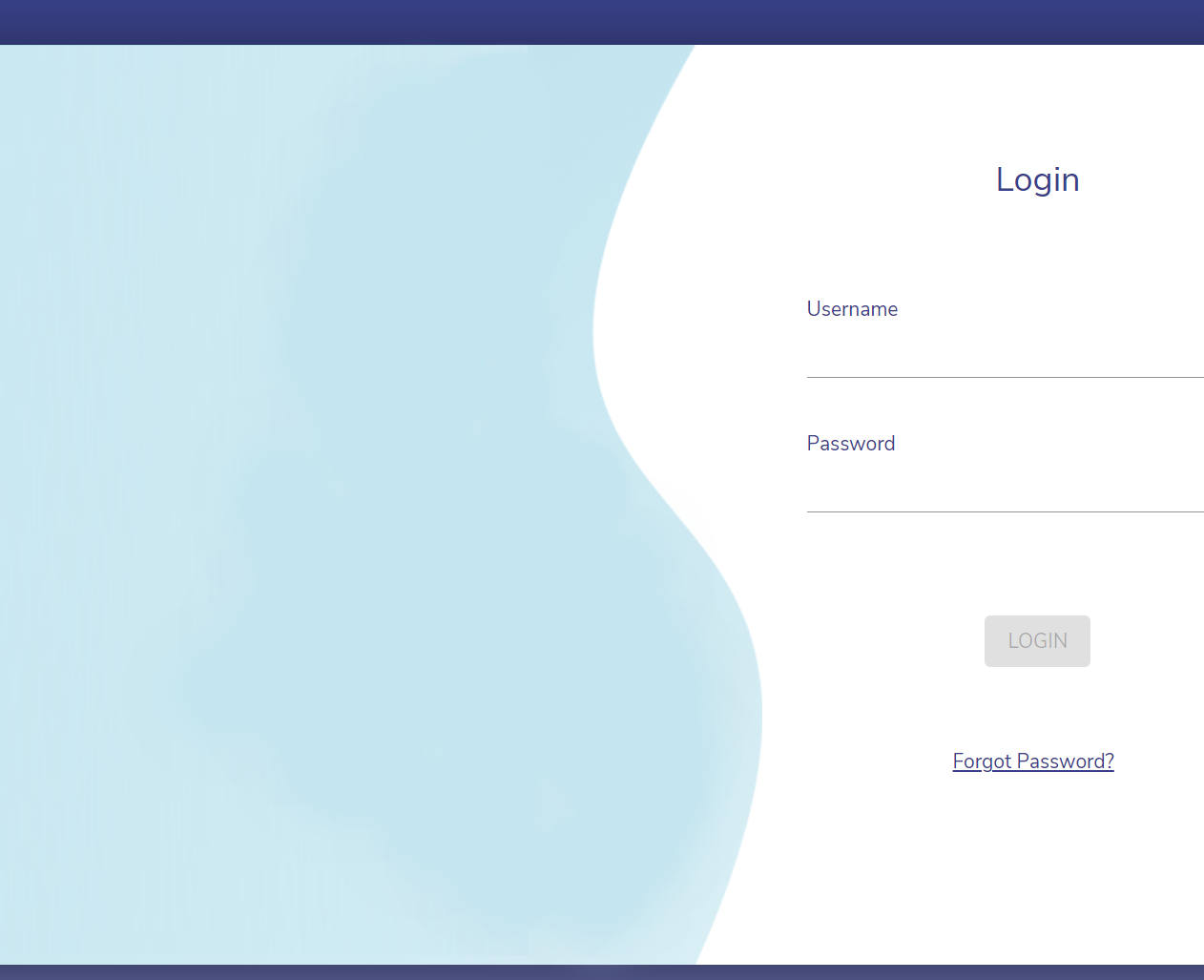
The EpicOS system ensures security through the implementation of IAM (Identity and Access Management) for user authentication. Upon accessing the login portal, registered users are prompted to enter their IAM credentials, consisting of a username and password, to gain system access.
Local Access
-
Prepare a client computer with an ethernet connection. Configure the client ethernet port to Obtain an IP Address Automatically.
-
Connect the computer via ethernet cable to the LAN port of the EpicOS System.
-
The EpicOS system will assign the client an IP address using DHCP
-
-
Open a Web Browser on the client; enter the URL: http://10.0.254.1
-
The EpicOS Login Screen appears.
Konnect Client
-
Login to the Konnect standalone app on Windows or Mac using IAM account credentials.
-
Search for the Site by Name, then Add the site to the main connection window.
-
Select the site and interface to connect to (portal or ssh).
-
Click Start to initiate the connection.
-
Click Open to connect to the site using the selected method.
-
Portal: The EpicOS Login Screen appears in a new browser tab using the Client’s default web browser.
-
SSH: A terminal window appears.
-
EpicLink - Konnect portal
-
Login to the EpicLink Portal using IAM account credentials.
-
Navigate to a ‘Site’.
-
Click on the link icon under CONNECT TO PORTAL for the site.
-
The EpicOS Login Screen appears in a new browser tab using the client’s default Web Browser.
Login Process
-
Enter the valid Username.
-
Enter the Password and click the Login button.
-
The user credentials will be validated and the Dashboard appears.