
The EpicOS Shell Interface is a convenient way to run low-level commands for troubleshooting and diagnostics.
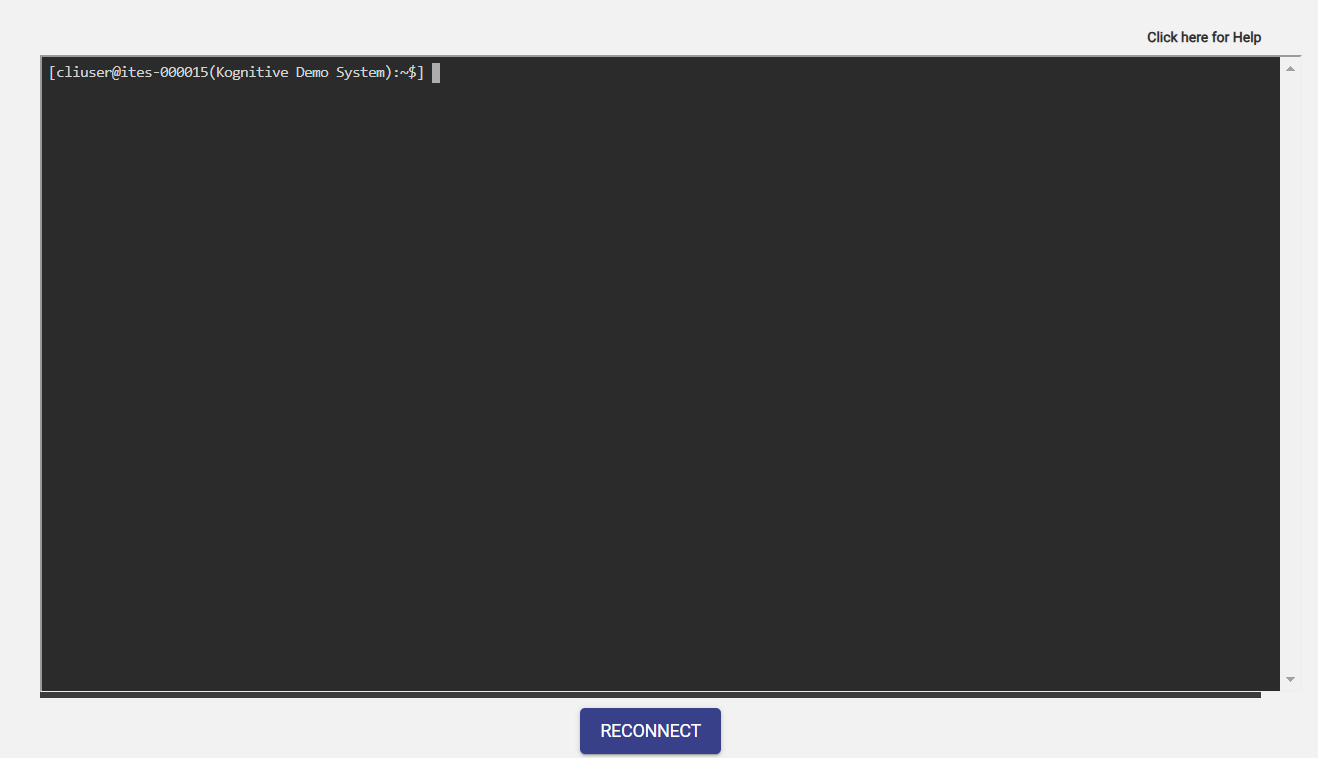
The full list of commands are available here: https://cdn.k4mobility.com/cdn/edge/doc/k4help.pdf
Command List
The following commands and arguments are supported in the Shell Interface:
tunepre
-
k4.debug.tunepre help -
k4.debug.tunepre dump -
k4.debug.tunepre <parameter> <value>-
This command can be used to tune the PRE parameters.
-
<parameter>can be one of:rtt_timeout,rtt_window,rate_window,rate_threshold,sample_interval,reweight_time,mini_bounded_rate, ormini_bounded_rate_vtp. -
Run the 'help' sub-command to see details of the parameters.
-
The 'dump' subcommand will show the current values of these parameters.
-
iftop
-
k4.monitor.iftop [-i interface] [-t target] [-- iftop-options]-
This command can be used to run the Linux 'iftop' command.
-
'iftop' listens to network traffic on a named interface or on the first interface it can find which looks like an external interface if none is specified, and displays a table of current bandwidth usage by pairs of hosts.
-
When used with the '-i' option, it will show the named native WAN interface.
-
When used with the '-t' option, it will show traffic for the named native target host.
-
The 'iftop-options' are the same as in the usual Linux 'iftop' command.
-
Run 'man iftop' for details of the Linux 'iftop' command.
-
ping
-
k4.monitor.ping [-i interface] [-- ping-options] target -
k4.monitor.ping [-v interface] [-- ping-options] target -
k4.monitor.ping [-l vlan] [-- ping-options] target -
k4.monitor.ping [-- ping-options] target-
This command can be used to 'ping' a target IP or FQDN.
-
'ping' uses the ICMP protocol's mandatory ECHO_REQUEST datagram to elicit an ICMP ECHO_RESPONSE from a host or gateway.
-
When used with the '-i', '-v', or '-l' options, specifies the interface or VLAN through which the ping is conducted.
-
The 'ping-options' are the same as in the usual Linux 'ping' command.
-
Run 'man ping' for details of the Linux 'ping' command.
-
speedtest
-
k4.monitor.speedtest [-s server] [-i interface] [-- speedtest-options] -
k4.monitor.speedtest [-s server] [-v interface] [-- speedtest-options] -
k4.monitor.speedtest [-s server] [-l vlan] [-- speedtest-options]-
This command will run a speed test using the Linux 'speedtest' utility.
-
'speedtest' measures latency, jitter, packet loss, download bandwidth, and upload bandwidth.
-
The '-s', '-i', '-v', and '-l' options specify the server, interface, or VLAN for the test.
-
The 'speedtest-options' are the same as in the usual Linux 'speedtest' command.
-
Run 'man speedtest' for details of the Linux 'speedtest' command.
-
traceroute
-
k4.monitor.traceroute parameters-
This command will run the Linux 'traceroute' utility.
-
'traceroute' tracks the route packets take to reach a host.
-
The parameters are the same as those taken by the Linux 'traceroute' command.
-
Run 'man traceroute' for details.
-
tshark
-
k4.monitor.tshark parameters-
This command will run the Linux 'tshark' utility.
-
'tshark' is a network protocol analyzer.
-
The parameters are the same as those taken by the Linux 'tshark' command.
-
Run 'man tshark' for details.
-
iptraf
-
k4.monitor.iptraf [parameters]-
This command will run the Linux 'iptraf-ng' utility.
-
'iptraf-ng' generates various network statistics.
-
The parameters are the same as those taken by the Linux 'iptraf-ng' command.
-
Run 'man iptraf-ng' for details.
-
wget
-
k4.monitor.wget parameters-
This command will run the Linux 'wget' utility.
-
'wget' is for non-interactive download of files from the Web.
-
The parameters are the same as those taken by the Linux 'wget' command.
-
Run 'man wget' for details.
-
reboot
-
k4.op.reboot-
This command will reboot the system, after asking for confirmation.
-
ssh
-
k4.op.ssh parameters-
This command will run the Linux 'ssh' utility.
-
'ssh' is for secure encrypted communications between two untrusted hosts over an insecure network.
-
The parameters are the same as those taken by the Linux 'ssh' command.
-
Run 'man ssh' for details.
-
mlvpn
-
k4.ops.mlvpn [ip country]-
This command will set the VOE server address to the specified IP & country.
-
When called with no parameters, it shows the current VOE server address and the status of the configured VTP tunnels.
-
show
-
k4.show.arp-
This command will show the ARP cache.
-
It runs the 'ip -n neigh show' Linux command.
-
-
k4.show.dhcp [vlan<vid> | <subnet>]-
This command will show the current leases assigned by the Kea DHCP server.
-
If a VLAN or subnet is specified, only the leases pertaining to those will be displayed.
-
-
k4.show.firewall-
This command will list the current firewall rules.
-
-
k4.show.interfaces-
This command will list all non-virtual interfaces, their status, addresses assigned, and any TC configurations.
-
It also shows the speed and duplexity of Ethernet interfaces.
-
-
k4.show.multicast interface-
This command will show the count of received multicast packets on the specified interface.
-
If no interface is specified, it will show the count for each VLAN interface.
-
del.dhcp
-
k4.del.dhcp ip-
This command will delete the existing lease for the specified IP from the Kea DHCP server.
-