Subscriber Self Top-Up
Captive subscribers/users can now top up their account on their own, to increase the data limit over and above their current plan, by using the Subscriber Self Top-Up feature. To use this feature, the Admin must have enabled Subscriber Self Top-Up in the user’s plan.
-
When an user logs in to their User Portal, if they have exhausted their plan data, they will get the below message in their User Portal homepage.
-20241126-074436.png?cb=e578f7bba30fbbb69e1ceffe8d56265d)
-
If self top-up feature is enabled for the user, the Available Top-Ups tab will be available.
-
Select the Available Top-Ups tab.
-
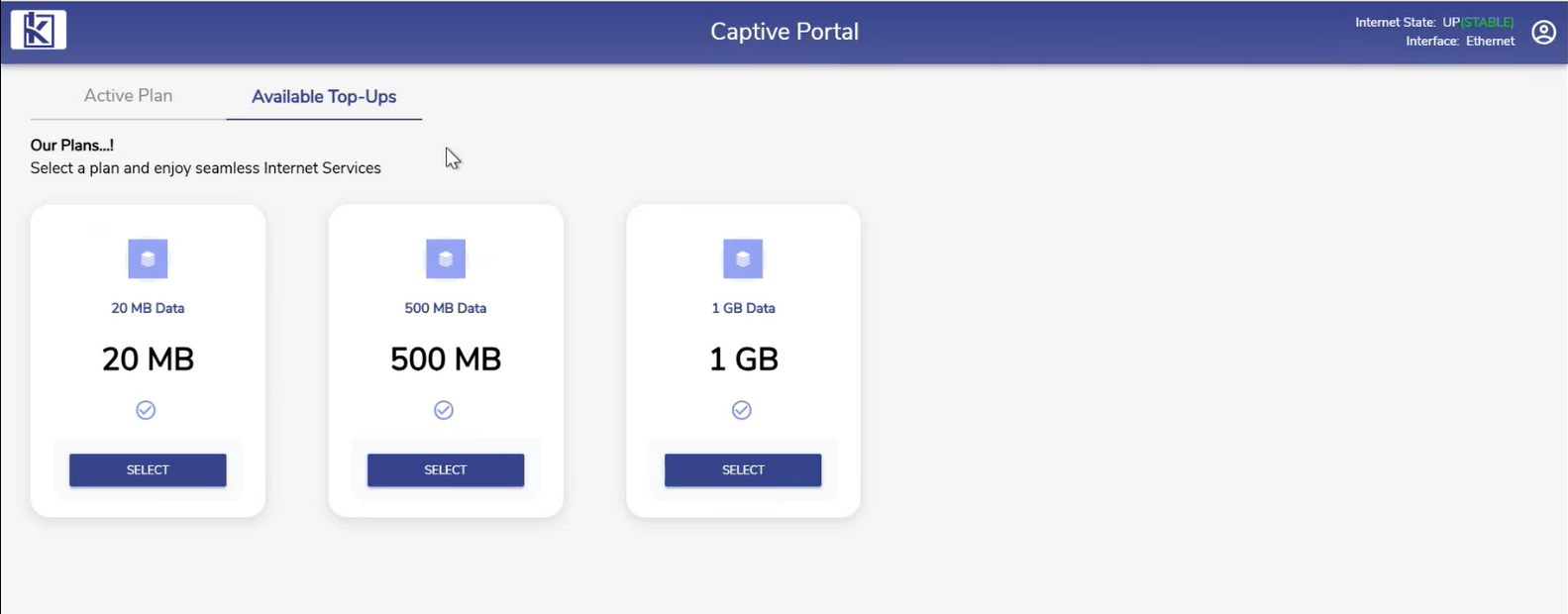
The top-up plans available for the user to select are displayed as shown below.
-
These plans should be created by the admin in the CAN Administration Portal. Please refer the Plan Top-Up section in Subscriber Self Top Up Configuration page for more information.
-
Select the required top-up plan. Only one top-up plan can be selected at a time.
-
All Top-ups utilize the same Base Plan Duration/Term and Traffic policy.
-
The user account is topped up and the terms are shown for the user.
-
There can be only one active top-up plan which is highlighted.
-
The user can add multiple top-up plans as long as they are within the maximum top-up limits.
-
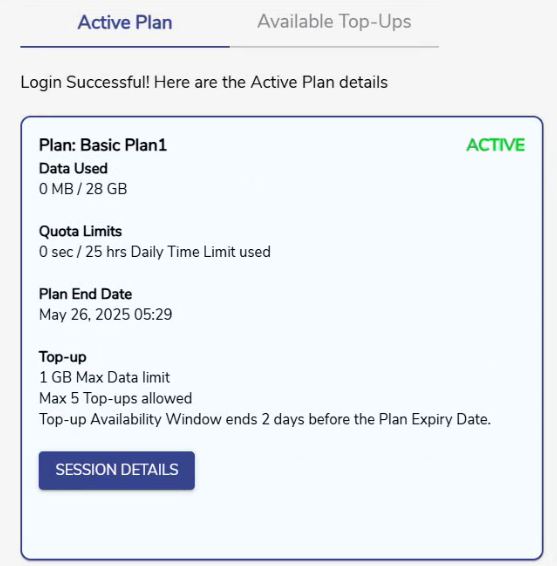
The user can also top-up their account when their current plan still has data left to use.
-
Select the Available Top-Ups tab and follow the same steps explained above to add the top-up. The inactive plan will become active when the Plan quota is exhausted.
-
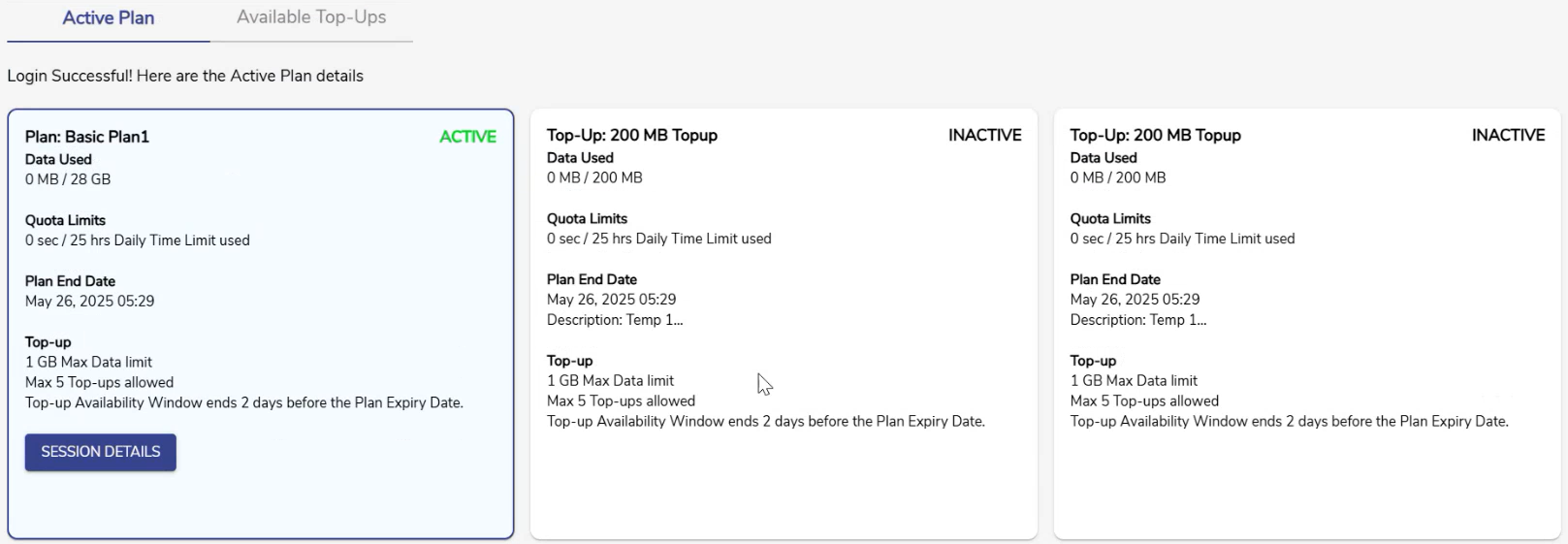
The details of the applied top-up plans will be displayed to the user under the Active Plan tab.
-
The plan that is active currently will be shown in the first panel along with details such as Data Used, Quota Limits, Plan End Date and Configuration of the Top-up plans.
-
The details of the applied top-up plans will be shown in the adjacent panels with details such as Data Used, Quota Limits, Plan End Date, Top-up Data Limit, Maximum number of top-ups, and Top-up Availability Window.