
The Captive Access Network Administration Portal allows administrators to configure Sessions, Users, and Plans. The Reports Section gives details reporting on usage.
Login Page
-
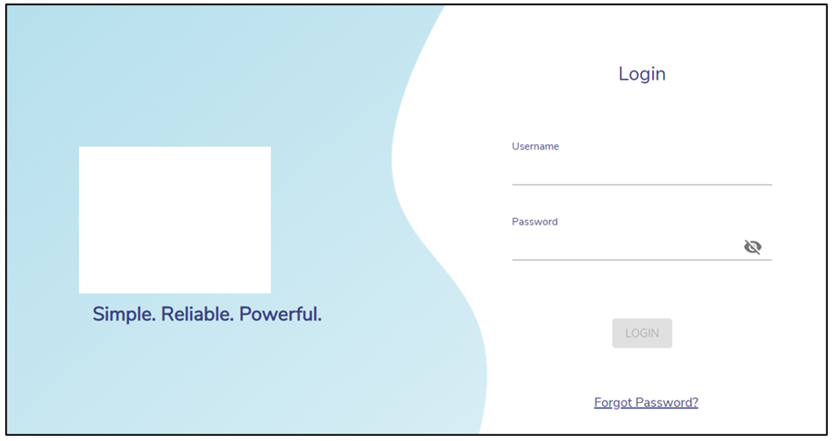
Open Captive Access Network Administration Portal through the Captive Admin link in EpicLink or access the URL directly.
-
The Login page enables the admin to login into their account.
-
The admin can access the account using their unique credentials.
-
Enter the below details:
-
Username – IAM username of the admin
-
Password – IAM Password of the admin
-
-
Click Login button to login into the Captive Access Network Administration Portal.
-
In case the admin forgets the Password, click on Forgot Password? button to reset it.
-
Enter the username associated with the account and click Reset Password button.
-
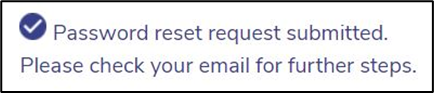
The below message is displayed.
-
The admin will receive an email with further steps. Follow the steps given in the email to reset the password.
Captive Access Network Homepage
-
After logging in the admin is directed to the Captive Access Network Homepage.
-
The homepage contains 6 tabs – Sessions, Users, Plans, Reports, Events and Portal.
-20241211-082338.png?cb=ae28dc32e00fd9c3ea4f574197b26de9)
Please refer the below pages for detailed information on each of these tabs: