
-
Click the Users tab.
-
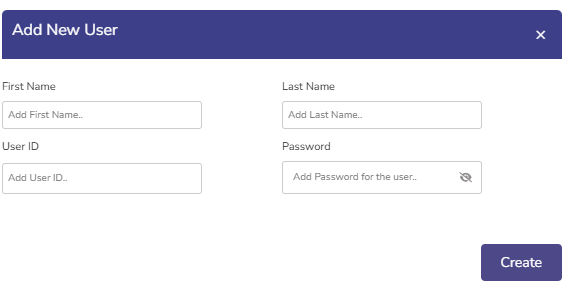
Click the Add New User button to create a new user.
-
Enter the First Name, Last Name, User ID and Password.
-
The created users are displayed in the Users table.
-
The table shows the following information:
-
User ID
-
First Name
-
Last Name
-
Action
-
Click the Edit

-
Click the Save button to save the changes.
-
Click the Delete

-
-
