
After registration, any EpicOS System is accessible through Konnect.
To view the EpicOS System on Konnect, perform the following steps.
-
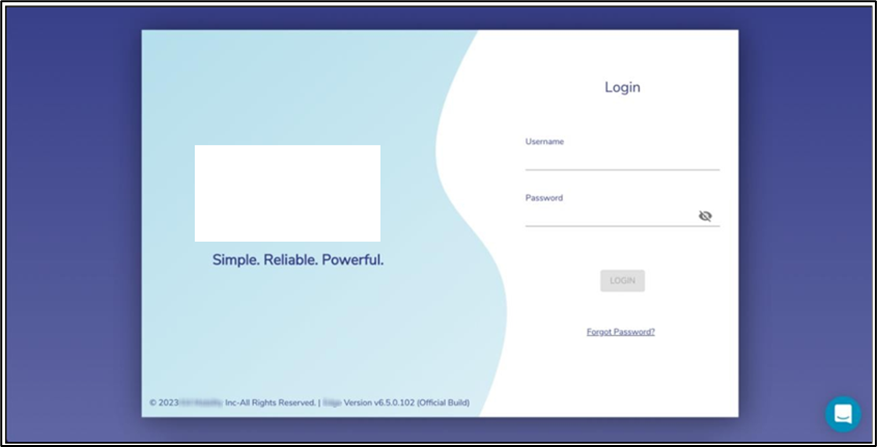
Login to Konnect with a valid account.
-
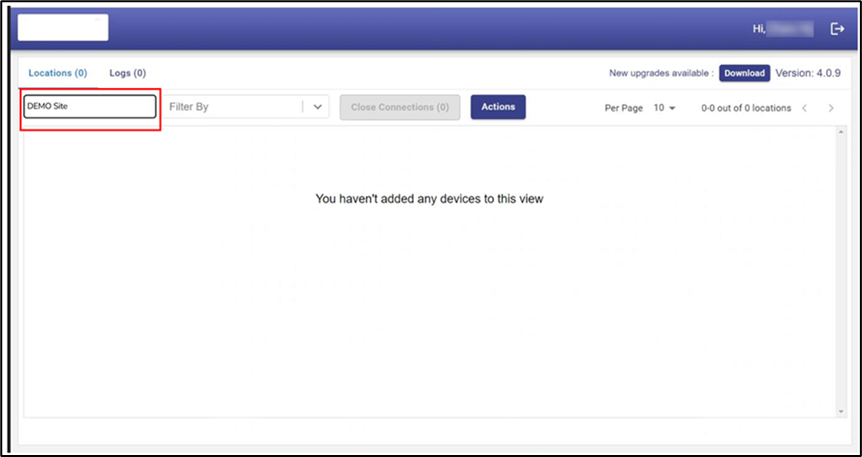
Enter the Site Name of the System in the Search By Location input field
-
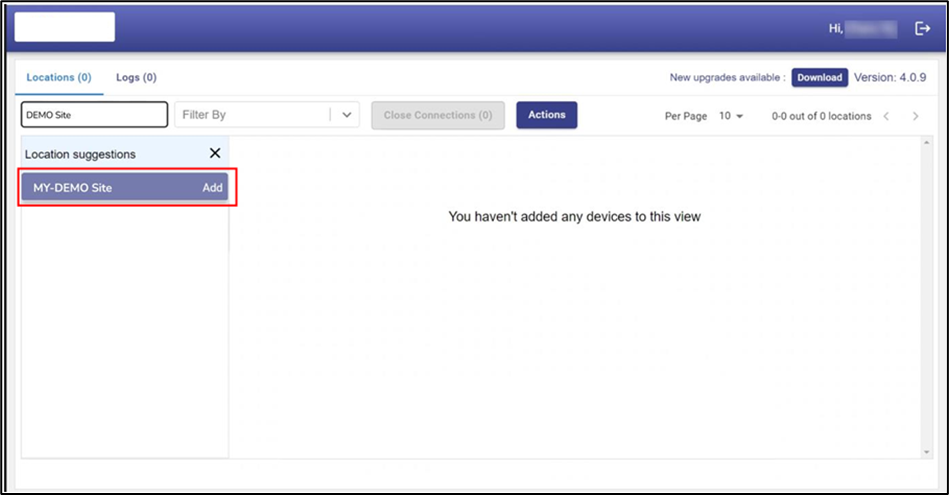
The Site Name becomes available in the drop down
-
Click the Add button next to the Site Name to make the site available in the main table.
-
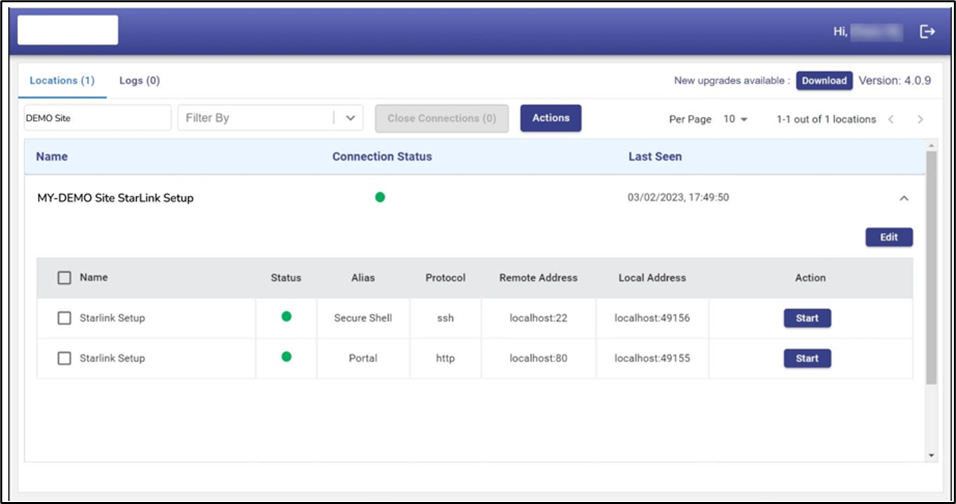
Click on the expand arrow icon to expand the site. The systems available in this Site are listed. The user can access the System with ssh and experience the local EpicOS web portal through a browser
-
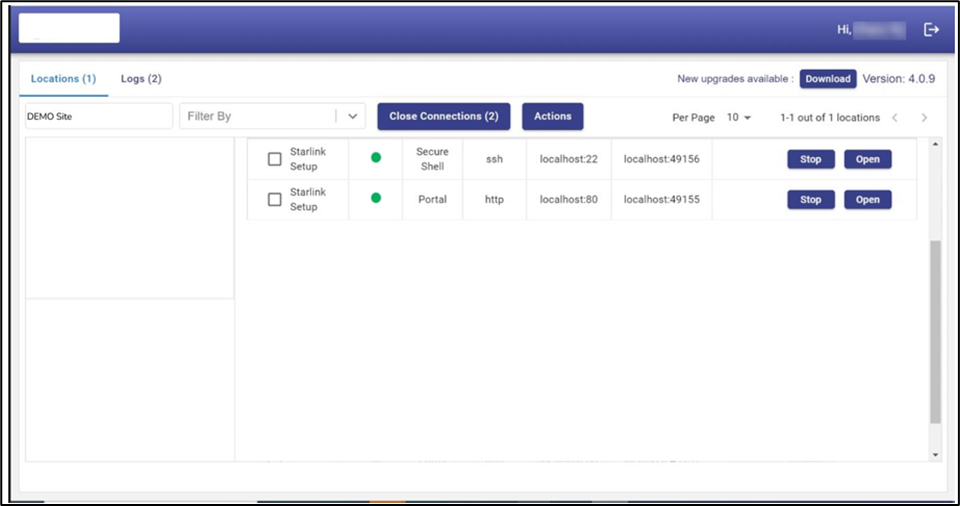
Click on the corresponding Start button - the Stop and Open button appear
-
Click on the Open button to access the selected interface/port of the EpicOS system
-
When finished, click on Stop to release the connection.